
A Tinkers Construct download is only half of the job. The mod runs on top of a mod loader and needs a small library mod called Mantle, so a working install has three pieces that all target the same Minecraft version.
This guide uses the file linked from our download section: Tinkers' Construct 3.11.2.166 for Minecraft 1.20.1, which CurseForge lists for both Forge and NeoForge. If you are playing a different Minecraft version, the steps are the same — just pick files made for that version.
What you need
- Minecraft: Java Edition. Tinkers Construct is a Java mod. It does not run on Bedrock (see our Bedrock explainer).
- A mod loader for 1.20.1 — Forge or NeoForge.
- Tinkers Construct for 1.20.1.
- Mantle, the SlimeKnights library mod, in the version that matches your Tinkers file.
- Optional: Just Enough Items (JEI), the recipe viewer the Tinkers team recommends.
Step-by-step install
1. Run Minecraft 1.20.1 once
Open the official launcher, create an installation for 1.20.1 and start the game once. This downloads the vanilla files the loader installer expects.
2. Install Forge or NeoForge
Download the installer for 1.20.1 from the loader's own website, run it and choose Install client. A new profile appears in your launcher. Launch it once so the loader creates its folders.
3. Download Tinkers Construct and Mantle
Use the Download button on our homepage for the Tinkers jar (the file is named TConstruct-1.20.1-3.11.2.166.jar). Then get Mantle from its project page on CurseForge or Modrinth, choosing a 1.20.1 build that the Tinkers file supports.
4. Copy both jars into the mods folder
Keep the files as .jar. Do not unzip them, and do not rename them to .zip.
5. Launch and confirm
Start the Forge or NeoForge profile, open the Mods screen from the title menu, and look for both Tinkers' Construct and Mantle. In a new world, the Tinkers guide books and crafting stations should appear in the creative inventory or in JEI.
If the game closes during loading, the most common cause is a missing or mismatched Mantle file. Our troubleshooting guide walks through reading the crash report.
Where the mods folder is
The mods folder sits inside your game directory. Default locations are:
| System | Default game directory |
|---|---|
| Windows | %appdata%\.minecraft\mods |
| macOS | ~/Library/Application Support/minecraft/mods |
| Linux | ~/.minecraft/mods |
If the folder does not exist yet, launch the loader profile once, or create a folder named mods yourself. Custom launchers and separate instances each have their own game directory.
Using a mod launcher
Launchers such as the CurseForge app, the Modrinth app or Prism Launcher create separate instances and can install the loader for you. When you add Tinkers Construct through them, they usually offer to add required dependencies such as Mantle as well. Check the instance's mod list afterwards to make sure both are present.
Installing on a server
Tinkers Construct is needed on both sides for multiplayer. Install the same loader version on the server, put the same Tinkers and Mantle jars in the server's mods folder, and give players the matching files. Version differences between client and server are a frequent cause of failed connections.
Updating safely
- Back up your world folder before replacing jars.
- Update Tinkers Construct and Mantle together, then remove the old jars so only one copy of each remains.
- Read the file's changelog on the project page for notes about breaking changes.
Next, learn the core loop in our tool building guide or jump into the smeltery guide.
Related Guides
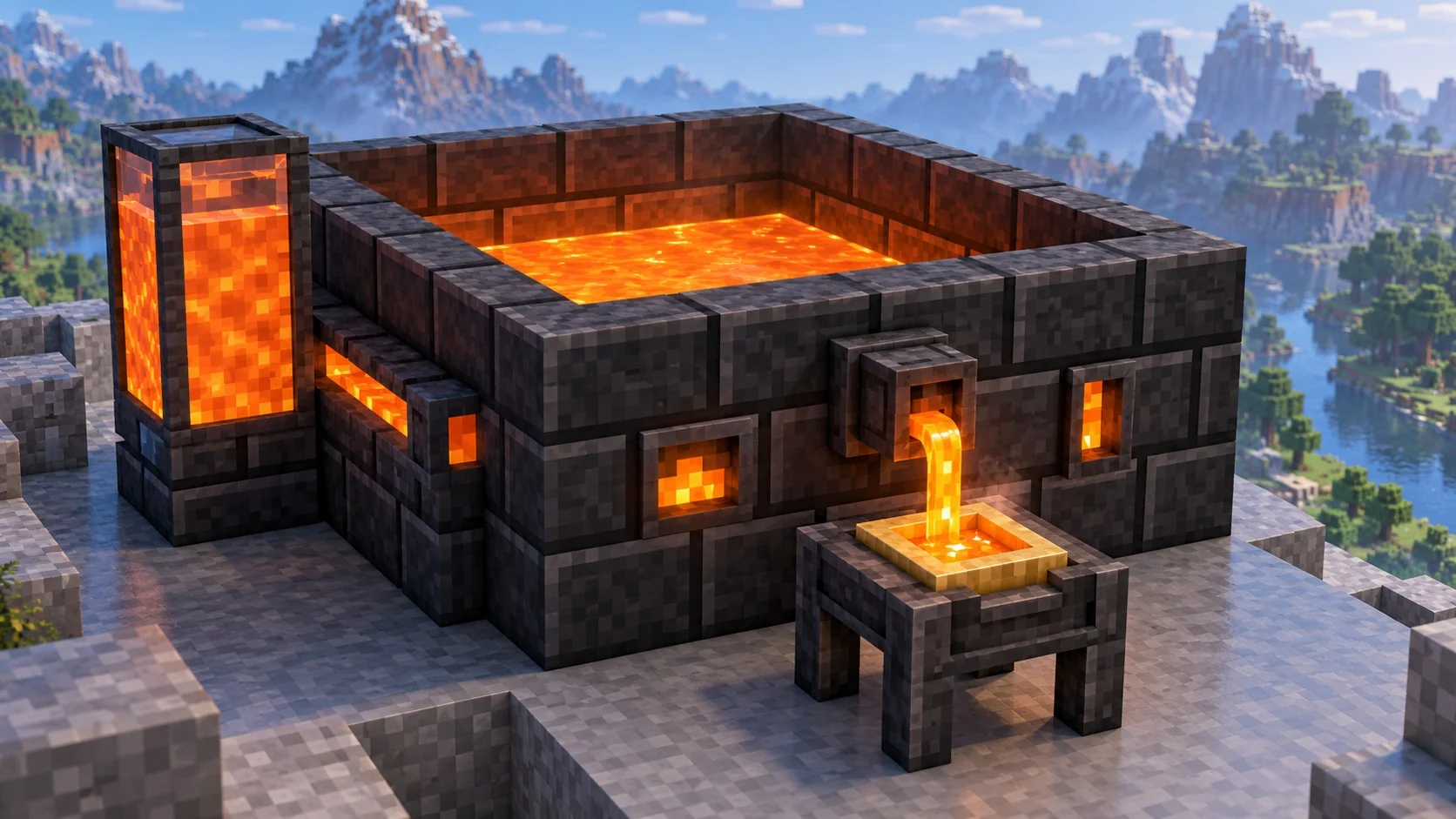
Tinkers Construct smeltery guide: build, fuel and cast
From grout to casting: build the multiblock that turns ores into molten metal, alloys and tool parts.
Read guide
Tinkers' Construct modifiers: slots, upgrades and abilities
Understand upgrade and ability slots, how to apply modifiers, and how to plan a tool without wasting slots.
Read guide
Tinkers Construct for Fabric: is there an official version?
Why the official mod targets Forge and NeoForge, what unofficial Fabric ports are, and how to pick a loader for your pack.
Read guide